The Great Browser Meltdown of 2026 (Featuring My Bank, Comcast, and Tears)

My world has just collapsed in an epic browser meltdown


You’d think after my early‑March run‑in with Comcast — the day Xfinity tried to steal my identity and my sanity — the universe would’ve given me a break. A breather. A moment to sip my coffee without wondering which part of my digital life was about to burst into flames.

But no.

Apparently that was just the warm‑up act.
Because what followed was a week‑plus of pure, unfiltered technology chaos, the kind that makes you question your life choices, your passwords, and whether smoke signals might be a better communication method.

Buckle up. It’s a ride.


Phase 1: The Fraud Department Calls… Again

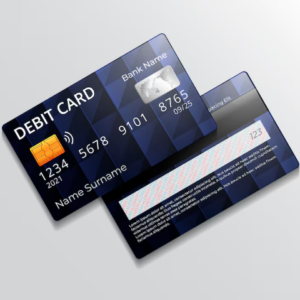
Just when I thought life was settling down, my bank notified me that someone tried to use my debit card at Target.

Spoiler: it wasn’t me.

The friendly fraud department swooped in, canceled the transaction, and shut down my card. A mixed blessing if ever there was one. Yes, it’s comforting that thieves didn’t get a dime — but if you’ve ever had auto‑pays tied to a card, you know the real suffering begins afterward.

The bank issued me a new card, and luckily I could pick it up in person. At the time, I thought that was a win. In hindsight… waiting for the mail might have been easier.


Phase 2: The Grocery Store Humiliation

I used my brand‑new card at the dentist — worked perfectly.
I updated all my auto‑pays — feeling productive.
Then came the grocery store.

My card was declined.
Three times.
Until the system locked me out.

Thank goodness I had a credit card, but that didn’t stop me from imagining the entire line behind me snickering into their sleeves.


Phase 3: The Bank Admits the Unthinkable

A quick stop at the bank revealed the truth:
They printed two cards by accident.
Someone in the back office noticed and canceled the wrong one — the one in my wallet.

So we got to do the whole thing again.
>Another new card.
>Another ATM check‑in.
>Another round of updating every auto‑pay known to mankind.

Let me tell you: computers do not enjoy this kind of chaos.


Phase 4: The Browser Meltdown

All those rapid‑fire changes apparently triggered some kind of cosmic digital tantrum.

My browser crashed.
Not a cute little “oops” crash — a full‑scale wipeout.

I lost:

  • All my passwords
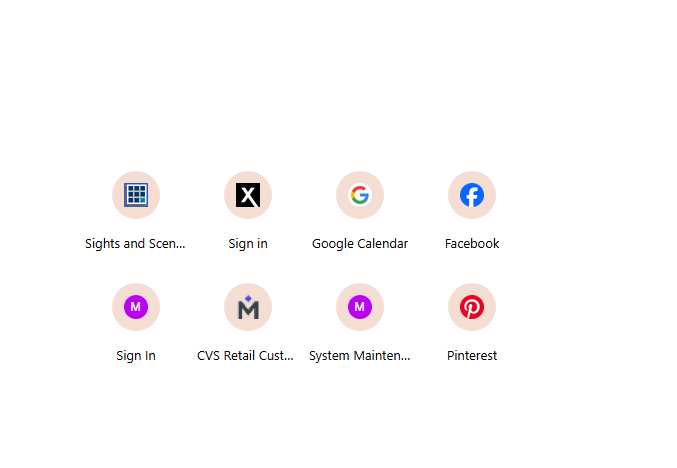
  • All my links
  • All my browsing history
  • All my freshly updated auto‑pays

It was like my virtual life got Thanos‑snapped.


Phase 5: The Great Email Entanglement
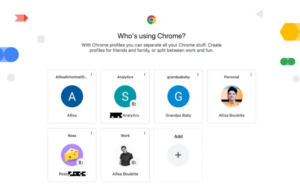
When the dust settled, my email accounts were a disaster.

Shortcuts for one email were attached to another.
My Google calendar was empty.
I couldn’t find things like my Pinterest login.
It felt like my entire life had been erased.

Where was I supposed to be.
Do you think I remember?


Phase 6: Rebuilding My Digital Life

With much cursing, moaning, and a few moments of staring blankly into space, I began the long trek through the wilderness of computer files and profiles.

Passwords were the key, so I spent two full days hunting them down.
Once I recovered them, I discovered that some of my shortcuts were tied to my primary Gmail — not my long‑time primary Comcast email.

At that point, I had a choice:

  • Keep digging through the wreckage
  • Or accept the universe’s not‑so‑subtle hint and switch primaries

I chose sanity.
I kept the account with my calendar intact.
My virtual life mattered more than which email sat at the top of the hierarchy.


Phase 7: The Blog Traffic Tragedy

During all this, my blog traffic tanked.

The day I had only 15 visits nearly broke me.
But I kept going — fixing passwords, rebuilding shortcuts, slowly coaxing my digital world back to life.

And little by little, my traffic began to rebound.


Phase 8: The Final Boss — Pinterest

By the time I reached Pinterest, I was burned out.
It had been almost two weeks of nonstop tech chaos, and my patience was hanging by a thread.

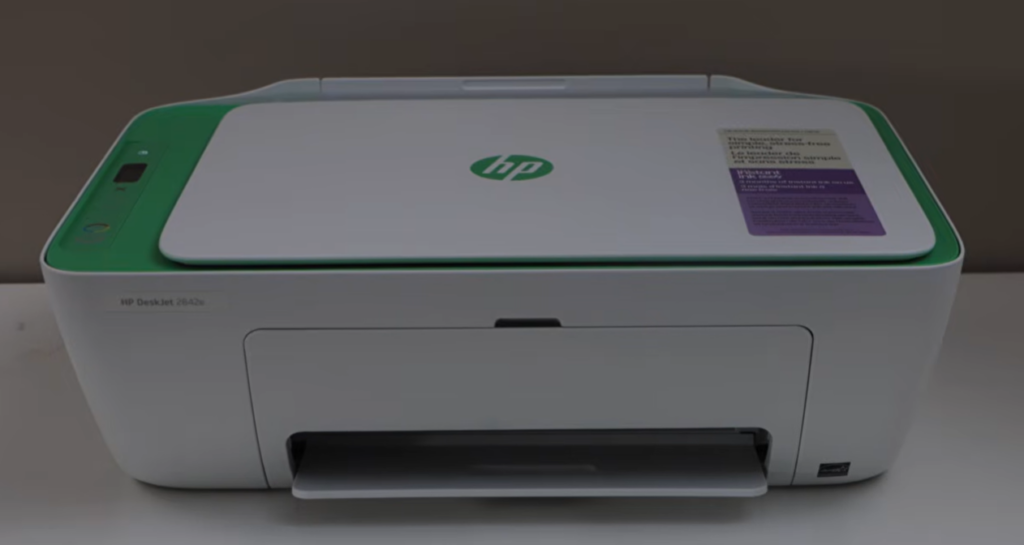
But after finally getting my printer back online (a small but mighty victory), I dove into the Pinterest mess.

And there it was.

My Pinterest account was tied to my Welcoming Haven email — the last place I would’ve looked. But by following the breadcrumbs, I found my boards, reset my password, and tested it.

Success.


Epilogue: Back to Normal… Hopefully

Everything is finally back to normal.
My accounts are sorted, my shortcuts restored, my blog traffic recovering, my printer is online and my Pinterest boards reclaimed.

Now I can only hope the universe gives me a break — at least long enough to enjoy the peace before the next digital adventure begins.


Your Turn — Tell Me Your Tech Horror Stories

If you’ve ever had your digital life implode — or if you’ve survived your own round of banking blunders, browser betrayals, or email identity crises — I’d love to hear your stories. Misery loves company, and honestly, it might make me feel a little less alone in my technological tragedy.

Share your tales in the comments and let’s commiserate together.
Here’s hoping the tech gods give us all a break this week.


Adventures with Xfinity-the Company We Love to Hate


📱 “The Day Xfinity Tried to Steal My Identity… and My Sanity”

Or: Whatever Happened to My Quiet Life of Retirement?


🚨 When Retirement Peace Meets Corporate Chaos

I used to think retirement meant quiet mornings, hot coffee, and maybe a little drama from the neighborhood squirrels. Instead, I’ve apparently entered the Witness Protection Program without being told — courtesy of Xfinity.

You’d think a giant company with more money than God would have safeguards. And I don’t mean my safeguards — I’ve got those covered. I’m practically Fort Knox with bifocals.

  • Security software? Check.
  • Two‑step verification? Check.
  • Biometric login? Check.
  • Phone that locks faster than a toddler grabbing your glasses? Check.
  • Password changes so frequent I forget who I am? Double check.

And yet… I still got scammed.


💸 The Email That Started the Spiral

It began innocently enough: an email claiming my autopayment was declined. There was a link to “fix it.” And because Medicare resets everything in January — copays, deductibles, my will to live — I thought, Well, maybe I did hit the limit.

So I clicked.

Then the form asked for information Xfinity already has. That’s when my inner Sherlock Holmes woke up. I called Xfinity (after wrestling with their RVI/AI/OMG system) and finally reached a human who confirmed my balance was zero.

Phishing. Classic. I ignored the emails after that.

But the scammers didn’t ignore me.


📞 The Fake Phone Calls Begin

Suddenly someone “from Xfinity” started calling to offer me a new phone. I told them no. Repeatedly. Firmly. With the kind of tone that makes telemarketers rethink their life choices.

Then one morning… no phone service.


📵 The Morning My Phone Went Dark

I opened my laptop to a flood of emails — all from an Xfinity address I’d never seen. Not even the email I use with them. Apparently, when I didn’t respond to the main one, they dug up my recovery email like digital archaeologists.

According to the half‑dozen messages, my phone line had been disconnected and my number reassigned.

Steam. Ears. You get the picture.

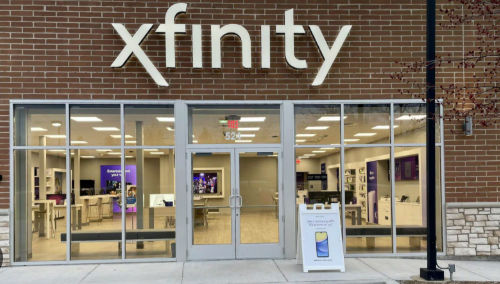
I grabbed my ID and made a beeline to the Xfinity store. If someone was pretending to be me, I was ready to prove I was the original model.


🏃‍♀️ The Xfinity Store Adventure

I arrived so early the store wasn’t even open yet. At 10 a.m., I joined the line of other poor souls seeking tech salvation.

A rep took my phone, then called over a supervisor. They huddled like surgeons over a patient. I was offered a seat — not to relax, but so I couldn’t see or hear a thing. Comforting.

After an hour of tapping, muttering, and whatever dark magic they practice back there, they canceled the fraudulent number and reinstated mine. Then they scanned my ID.

No explanation. No apology. Just “You’re all set.”

Sure. Until tomorrow, apparently.


📬 Guess What Showed Up the Next Morning?

Another batch of scam emails.
Another fake “You didn’t pay your bill” message.
Another attempt to set up a new phone number.

My actual balance? Zero.
My reaction? “Liar, liar, pants on fire.”

I feel like I’m stuck on a merry‑go‑round I never bought a ticket for.

At this point, I’m starting to think the only way off this merry‑go‑round is to switch carriers entirely. Maybe I’ll send Xfinity a postcard from my new provider — assuming they don’t intercept that too.


🙋‍♀️ Has Anyone Else Survived This Circus?

Because at this point, I’m convinced the scammers are more persistent than my high school gym teacher — and he once chased me around the track with a stopwatch.

If you’ve been through this, tell me your story. Misery loves company… and maybe someone out there has the secret to getting off this Xfinity roller coaster.


Biometrics


Biometrics: One Small Step Into the Star Trek Universe… and One Giant Pain in the Finger

Have any of your accounts started nudging you—sometimes not so subtly—to “upgrade” to biometric login? I swear, every time I turn around someone wants my fingerprint. Banks, pharmacies, apps I barely use… everyone’s suddenly obsessed with my thumb.

So I finally caved and put it on my cell phone.
Big mistake. Huge.

wish my phone had the use password option- It doesn’t

My fingerprint reader works about half the time on a good day. If my finger is dry? Forget it. If I’ve washed my hands? Nope. If the wind is blowing from the east and Mercury is in retrograde? Absolutely not.

I’ve even resorted to wetting my finger—either in the sink or, yes, I admit it, the old “lick and pray” method. Sometimes it works. Sometimes it doesn’t. After five failed attempts, I’m locked out anyway and have to type in my password. So what exactly is the point?

And here’s the kicker: my phone doesn’t like when I try to bypass the fingerprint and just sign in normally. It refuses to open the password screen, as if to say, “No no, we’re doing biometrics today.”
Then it sends me helpful little messages like:

“Having trouble logging in? Try wetting your finger!”

Why should I need pep talks from my phone? This should just work. Until it does, I’m not putting biometrics on any other device or account. I’m not risking locking myself out of my bank because my finger is having a dry day.


And while we’re ranting… let’s talk about two-step verification.

My bank requires a special code every single time I log in. Not occasionally. Not randomly. Every. Time.
I enter my password, and up pops a cheerful message telling me they’re sending a code. Now I get to choose: email or text. It’s like a security-themed choose-your-own-adventure.

I was logging into my photography site the other day to update my payment method, and they hit me with the “we’ll send you a code” routine too. Fine. But then they did it again. And again. After every step. It took forever to get anything done.

Look, I understand hacking is a real problem. If someone broke into my bank account, I’d be upset—assuming they could find anything worth stealing. But surely there has to be a way to streamline all this. I’m not convinced the current system is helping as much as they think it is.


What About You?

So tell me — am I the only one fighting with my own technology like it’s a stubborn toddler? Do your biometrics behave, or are you also stuck licking your finger in public like a confused raccoon? Drop your stories in the comments. Misery loves company, and I’m ready to hear your best “locked out again” tales.


Closing

Until the tech world figures out how to recognize a perfectly normal human finger, I’ll be over here typing passwords the old-fashioned way and dreaming of a future where logging in doesn’t feel like a full-contact sport.