 😅 When Technology Decides to Rebel
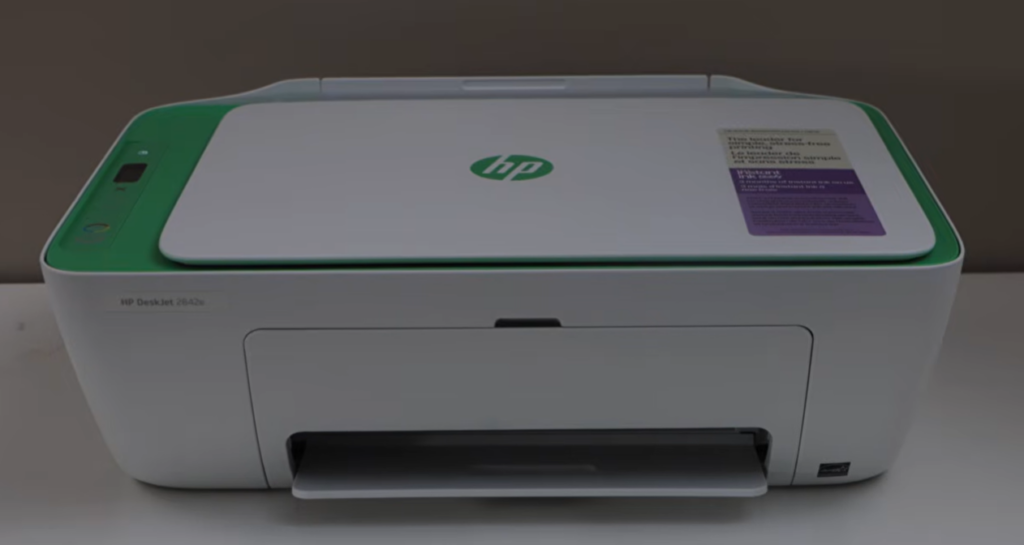
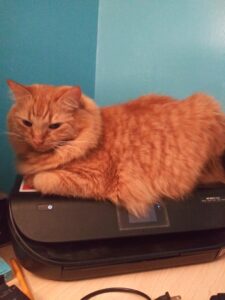
Ah, the joys of technology. Just when I thought I was finally out of the woods, my printer decided to throw a full‑blown hissy fit. Now, mind you, this was not an expensive printer. It’s an HP Inkjet 2800e all‑in‑one — printer, scanner, the whole shebang. I snagged it for about $60 at Staples after my old printer/scanner died, likely from having an 18‑pound cat sitting regally upon it day after day. Either that or an overabundance of orange cat hair clogging its inner workings. Honestly, it’s a miracle it lasted as long as it did.
🖨️ The Printer That Survived Everything… Until Monday
Through all my previous technology chaos, this little trooper held up. I print a lot — mostly recipes — and I use the scanner constantly. I hate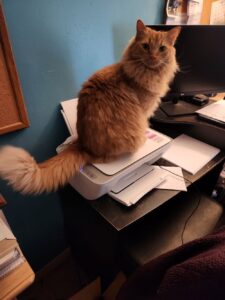 trying to scan something with my phone, so when Monday rolled around and suddenly none of my apps could find my printer, I did the usual troubleshooting. I fully expected the little gremlin to fall in line.
I could practically hear HAL in the background:
Me: Let’s get this scan done.
HAL: I can’t do that, Deborah.
Two hours later — after frustrating troubleshooting and Copilot patiently reassuring me, “It’s not your fault, Deborah” — I gave up. If I hadn’t, I might’ve taken a hammer to the thing.
🔧 Tuesday: The Battle Intensifies
Tuesday morning, round two. In a moment of questionable judgment, I removed the printer from my system, planning to add it back as a new device. NOPE. That only made things worse.
Suddenly I was stuck in a cycle of “press this and hold that” resets. I finally got my desktop to send a test page. It showed up in the print queue… but refused to print. Now I was wrestling with the spooler and the Wi‑Fi (because of course it’s wireless). I lost most of the day fighting the good fight, but the printer was winning. It dug in like a stubborn child who absolutely refuses to put on their shoes.
So I treated it like one. I unplugged it and put it to bed. That’ll show it.
🌅 Wednesday: A New Dawn
It’s Wednesday now. I’ve had a good night’s sleep, and hopefully my printer has too. Time to get back to technology wrestling. Copilot better watch what she/he/it says to me or I may let it have it too — even though it’s just trying to help.
Mr. Cranky Pants Printer must have decided a good night’s sleep was exactly what it needed. This time, when I did a hard reset, it worked. A test print followed by a test scan — both successful.
OH MY. Is the nightmare really over?
Guess I showed you, HAL. Persistence does pay off.
A Final note

Share this:
- Share on Tumblr (Opens in new window) Tumblr
- Print (Opens in new window) Print
- Share on X (Opens in new window) X
- Share on Facebook (Opens in new window) Facebook
- Share on Pinterest (Opens in new window) Pinterest
- Share on Reddit (Opens in new window) Reddit
- Share on LinkedIn (Opens in new window) LinkedIn