
Rediscovering Hidden Gems in My Photo Archives
 When I started The Great Photo Tagging Project, I was doing everything I could not to feel overwhelmed. My archives had grown to more than 10,000 photos, and most of them weren’t tagged. Any time I needed a specific picture, I had to scroll endlessly—unless I happened to remember the exact year and month I took it.
Take Hawaii, for example. I started traveling there in 2008 and went annually for years. I have hundreds of photos from those trips, but no clue which year a particular shot belonged to. Finding one specific image felt nearly impossible.
To make matters worse, I didn’t know about tagging when I began blogging. I’d find a photo, use it, and then toss it right back into the black hole of the untagged archives. So when I finally decided to tackle this project, it felt daunting.
The Slow March Through the Backlog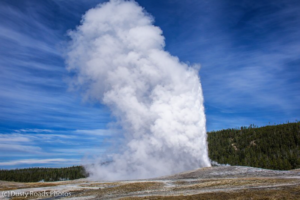
At first, everything went smoothly. I was happily tagging away, and I made a rule: any new photo gets tagged immediately so I don’t add to the backlog. Somewhere along the line, though, the fun faded. Tagging became a chore.
Still, I was determined. I’d skip a day or two, then come back and knock out a page of 20 photos, slowly working my way backward through the years.
I’m currently in November 2016, inching my way toward the very beginning of the archive—January 2011. Some months are easy with just 10 or 20 photos. But then I hit a trip month and suddenly I’m staring down 300 images. Momentum? Slowed.
When the Chore Became a Treasure Hunt
But recently something unexpected happened. Without a car, I haven’t been able to get out and take new photos, so I’ve been relying on the archives. And as I started reviewing images in small batches, I began noticing things I’d completely missed before.
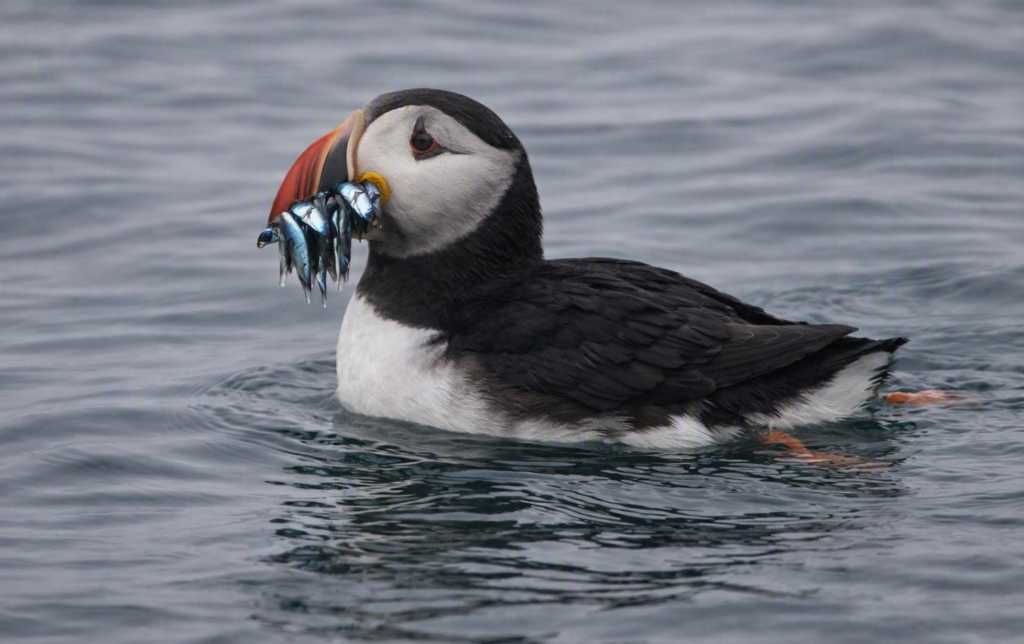
Treasure #1: The Puffin
 I once waded through more than 200 puffin photos during post‑processing and somehow missed a gem. But while tagging, I enlarged one tiny puffin and—there it was—the iconic mouthful‑of‑fish shot I thought I’d missed forever. My first treasure.
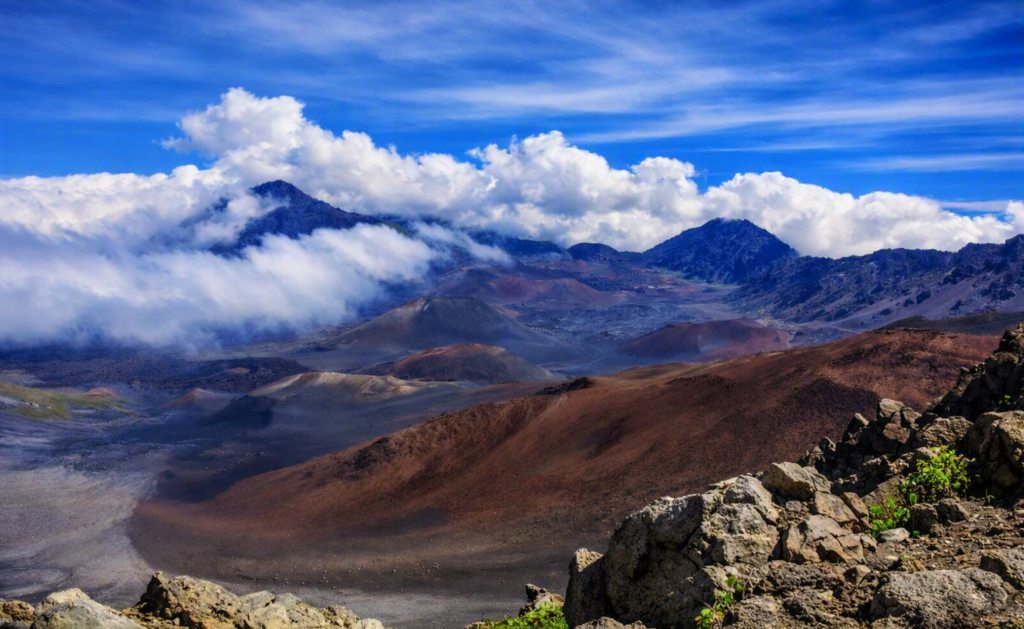
Treasure #2: Haleakala
 I’ve always loved my Haleakala photo, but my artistic eye said it was a little flat. When I rediscovered it during tagging, I decided to give it a little post‑processing love. Suddenly it had punch, depth, drama. Treasure number two.
Treasure #3: The Submarine Shots
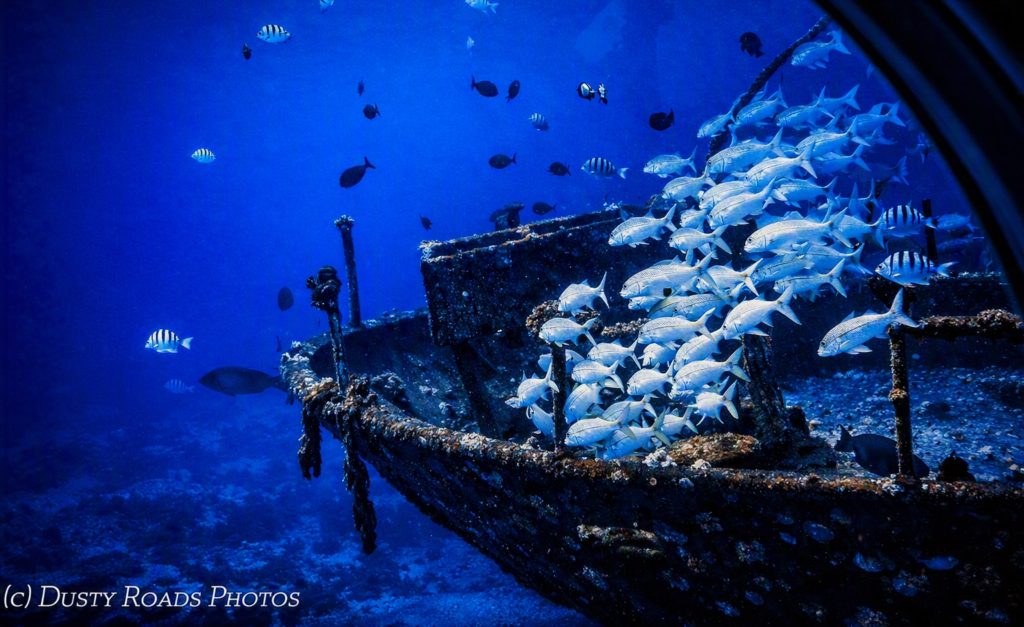
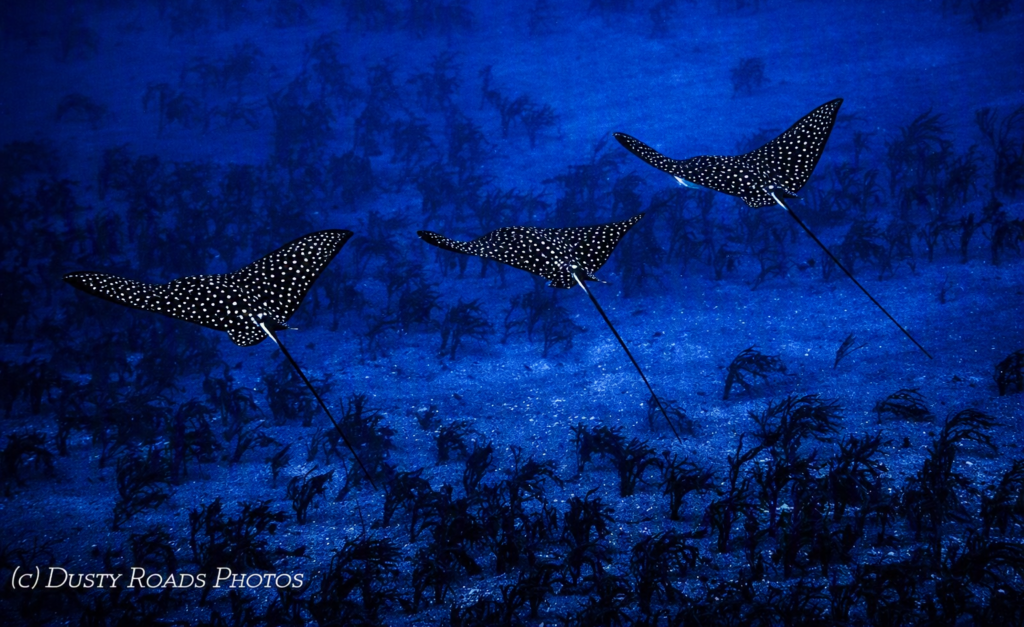
 Then came two photos taken from a submarine. Shooting through thick porthole glass isn’t ideal, but with a little editing magic, those images transformed from “nice memory” to “something really special.”

Finding Beauty in the “Ugly Ducklings”
Now I’m energized again. I’m not just tagging my inventory—I’m hunting for hidden gems. I’m looking for those overlooked, imperfect photos that just need a little love to become beautiful swans.
And honestly? I can’t wait to find my next treasure.
What about you? Have you ever looked at an old photo with new eyes and discovered a treasure hiding in plain sight?
Share this:
- Share on Tumblr (Opens in new window) Tumblr
- Print (Opens in new window) Print
- Share on X (Opens in new window) X
- Share on Facebook (Opens in new window) Facebook
- Share on Pinterest (Opens in new window) Pinterest
- Share on Reddit (Opens in new window) Reddit
- Share on LinkedIn (Opens in new window) LinkedIn
 Where’s Photoshop